1. Build your workout
Give your workout a name and add sets for your warm-up, main set, and cool-down. Set repetitions, distances, intervals or rest, and add instructions for your swimmers.

Ditch the paper. Go digital. Build your swim workout, keep every set in one place, and guide your swimmers through practice with a live workout room.
No product purchase is required. A free account is needed to save workouts and use Host / Join.
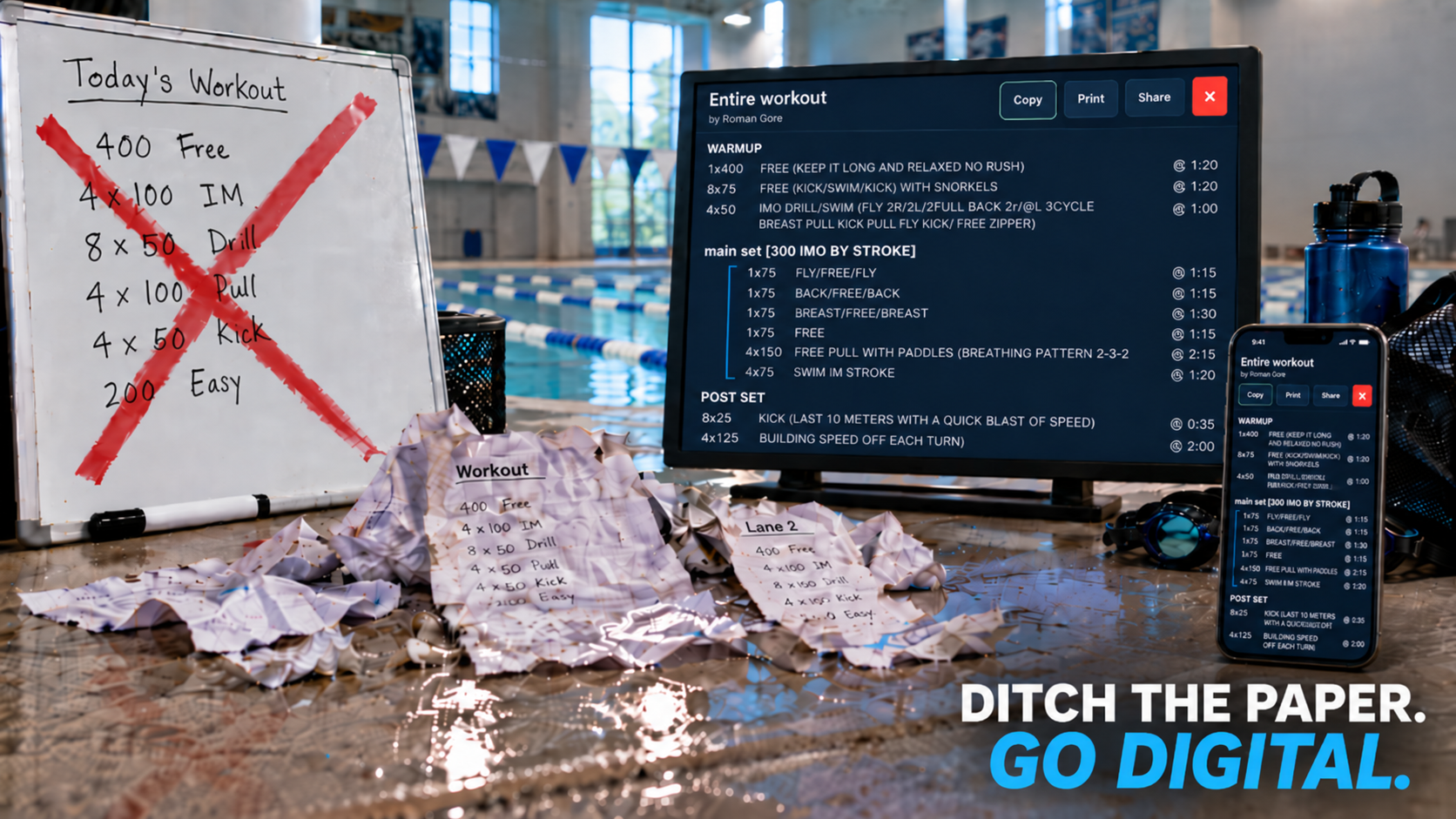
Give your workout a name and add sets for your warm-up, main set, and cool-down. Set repetitions, distances, intervals or rest, and add instructions for your swimmers.
Check the estimated distance and time, then open Entire workout to review your plan. Log in and save it to My Workouts, where you can view, edit, and reuse it for your next practice.
Open Host / Join, choose Host a workout, and select a saved workout. Share the room code with your swimmers. You can also use the Run button in My Workouts to create a room.
Swimmers log in, choose Join a workout, and enter the host’s four-character room code. Follow the current set, repetition, and timer while the host guides the session.
Keep the plan easy to follow so you can focus on the swimmers in front of you.
Review sets, rounds, instructions, and timing in the written workout view. Distance and time estimates help you plan your session.
Use the workout room to start or pause practice and move between tasks. The timer and workout tracker help everyone follow along.
Use optional dice tasks to bring variety to practice. In workout settings, choose whether the host rolls for everyone, each swimmer rolls individually, or any swimmer can roll for the group.
Save workouts to your account and return to My Workouts when you want to review a plan, adjust a set, or run it again.
Start with your first set, or join a workout your coach has ready.